How to build AI agents that track opportunities
"A building in public guide: how to set up an Aquarius crew that runs the same search every day and brings back what it finds."
 Zachary Sheldon4 min read
On this page
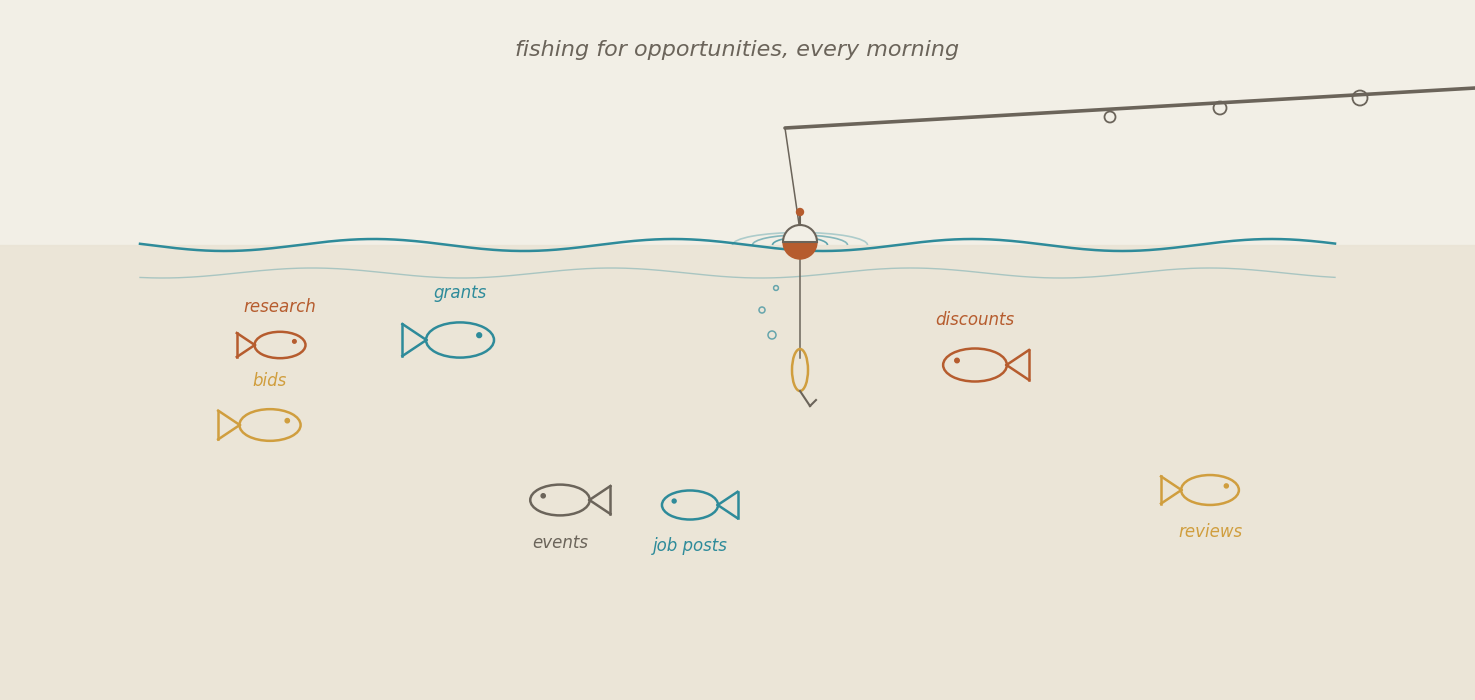
It can take a lot of time to stay on top of new opportunities when you work for yourself. You want to stay up to date on discounts, grants, networking events, or news about your industry, but that means opening up your browsers and clicking through different websites.
Until now.
This week, I built a custom AI agent that handles daily searches for me. This guide shows you how to do the same, step by step, so you can stay on top of every opportunity.
What are we building, and why?
A lot of useful information online gets announced every day: discounts, grants, networking events, wholesale offers, requests for bids, new reviews you should answer. You shouldn’t have to remember to check. A daily search loop does the checking for you, on a rhythm, and brings back what’s new.
For the sake of demoing, let’s say I own a cafe or a food store that sells coffee, and I want to stay on top of wholesale discounts. But you can swap in whatever you need to keep an eye on. The steps are the same.
The daily search matters because a discount that ends Friday does you no good if you find it the following week. To give another example, if a bad review answered the next morning reads very differently from one that sat for a month.
How do you set one up on Aquarius?
How much does the crew member decide on its own?
Every crew member works at one of four levels of trust, and you decide which.
- Watch: It learns the ropes and does nothing on its own.
- Draft: It prepares the work, like an order form, for you to judge.
- Ask: It finds the thing and checks with you. You make the final move.
- Handle: It does the job, and you’ve stepped back.
A new crew member never starts above Ask. You raise the level once it has had a few good runs you’ve actually seen. For anything that touches money, like placing real orders, I’d start at Watch and move up one step at a time. Our deal search touches no money and no customers, so once I’ve seen it work for a few mornings, it can go from Ask to Handle.
These four levels are kind of like how your relationship [with Aquarius] can evolve.
What does the daily report look like?
My first run came back with two suppliers worth a look: Kaldi Gourmet Coffee Roasters and Genuine Origin, each with the link it came from. I don’t know a lot about coffee. But I trust the same loop to find academic research opportunities every day. And I know that one of our customers used her free trial to locate and apply for small business grants.
The report can get quite detailed and professional once you connect your own documents. It compares each deal with the price on your buying sheet, so you can see at a glance which offers actually save you money.
I connected a buying sheet for Corner Grind Coffee, a made-up cafe with made-up prices. The crew member read its five coffees and found a Kaldi Ethiopia Yirgacheffe about $0.91 a pound under the sheet’s price, and a Colombian decaf about $0.45 under. Kaldi’s prices were checked on October 26, 2026.
](/blog-media/how-to-build-ai-agents-to-track-opportunities/corner-grind-buying-sheet-05ced6cb.png)
What’s next?
Linking crew together is the next piece I’m working on. You can ask Aqua to hand the daily report to the Receptionist to send to a human teammate, like your inventory manager. Anything that goes out to another person waits for your approval first.
The same pattern works for any search that refreshes: grants, networking events, job postings, public bids, reviews. If you build one, I’d love to hear what you’re searching for.
Questions people ask
Will AI agents buy things without permission? Not this one. A search crew member like mine only looks and reports. Buying stays with you.
What if an agent costs more than I expected? Each repeating job has a spending cap. If a run would go over it, the crew member stops and asks you first.
How do I stop AI agents? Say so in one sentence to Aqua or the crew member. It also stops on its own when the time limit you set runs out.
Zach